
HL2GO MU Online
Season 6 Episode 3 · x50 · no wipe · classic OpenMU · EU

Travel & maps
How to move around HL2GO MU Online. Server clock: Europe/Vilnius (same as events).
Move window (M)
Press M for the warp list. Pick a destination you meet the level (and zen) for. This is the fastest town ↔ hunt travel.
- Greyed / rejected warps usually mean too low level or not enough zen.
- After death you respawn in town — use Move again to return.
- Some event maps only appear or accept entry during their open window.
Gates, portals, Tab
Walk into glowing gate tiles between linked areas (town ↔ field, dungeon floors, etc.). If you bounce back, wrong level or one-way gate.
Tab opens the minimap / radar where the client has map data — use it to find gates and NPC clusters. Opacity / size keys on some clients: [ ] - +.
Where to hunt by level
| Level | Recommended map |
|---|---|
| 1–25 | Lorencia |
| 25–50 | Noria / Devias |
| 50–90 | Dungeon 1–4 |
| 90–150 | Tarkan (Icarus with wings) |
| 150–280 | Aida / Lost Tower |
| 280–400 | Kalima & end-game maps |
Arena
Arena is for PvP and duels — not efficient leveling. Hold Ctrl to hit players. Leave via Move / gate when you want to farm again.
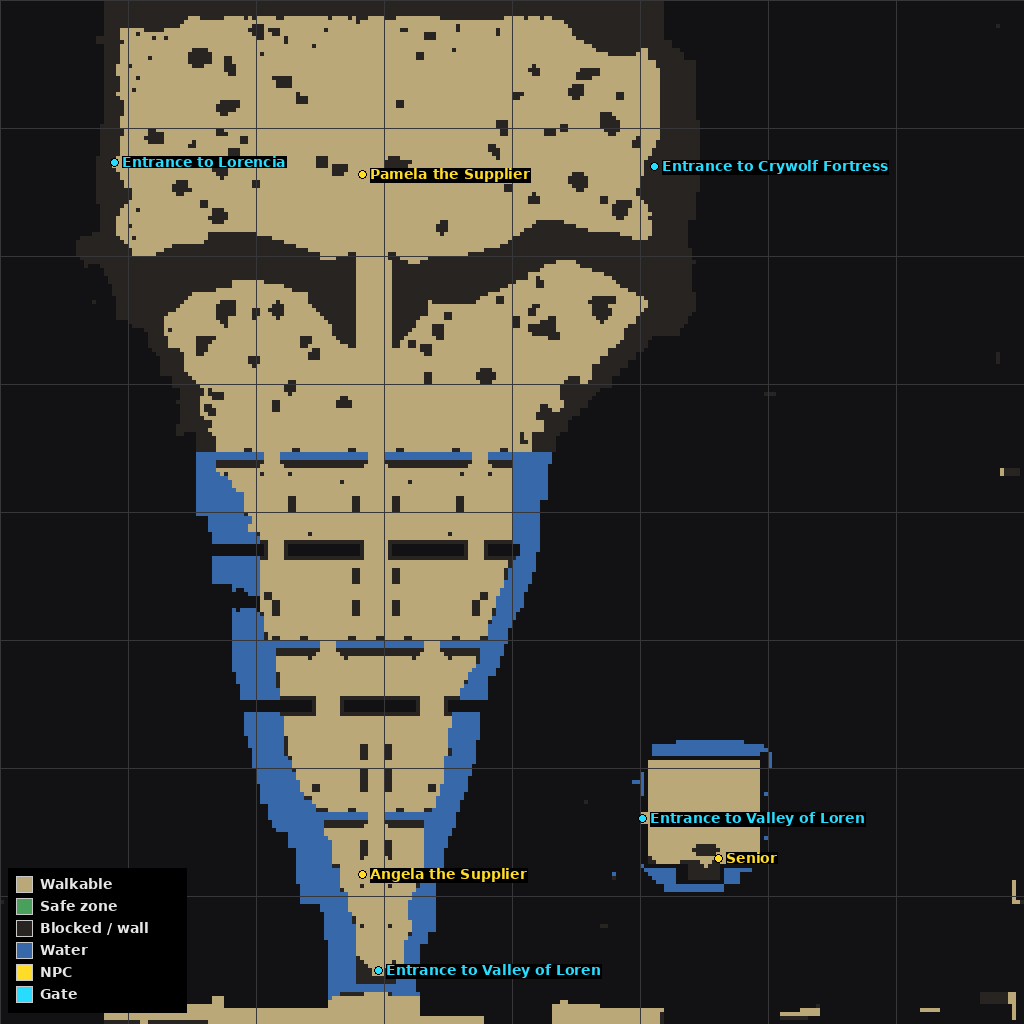
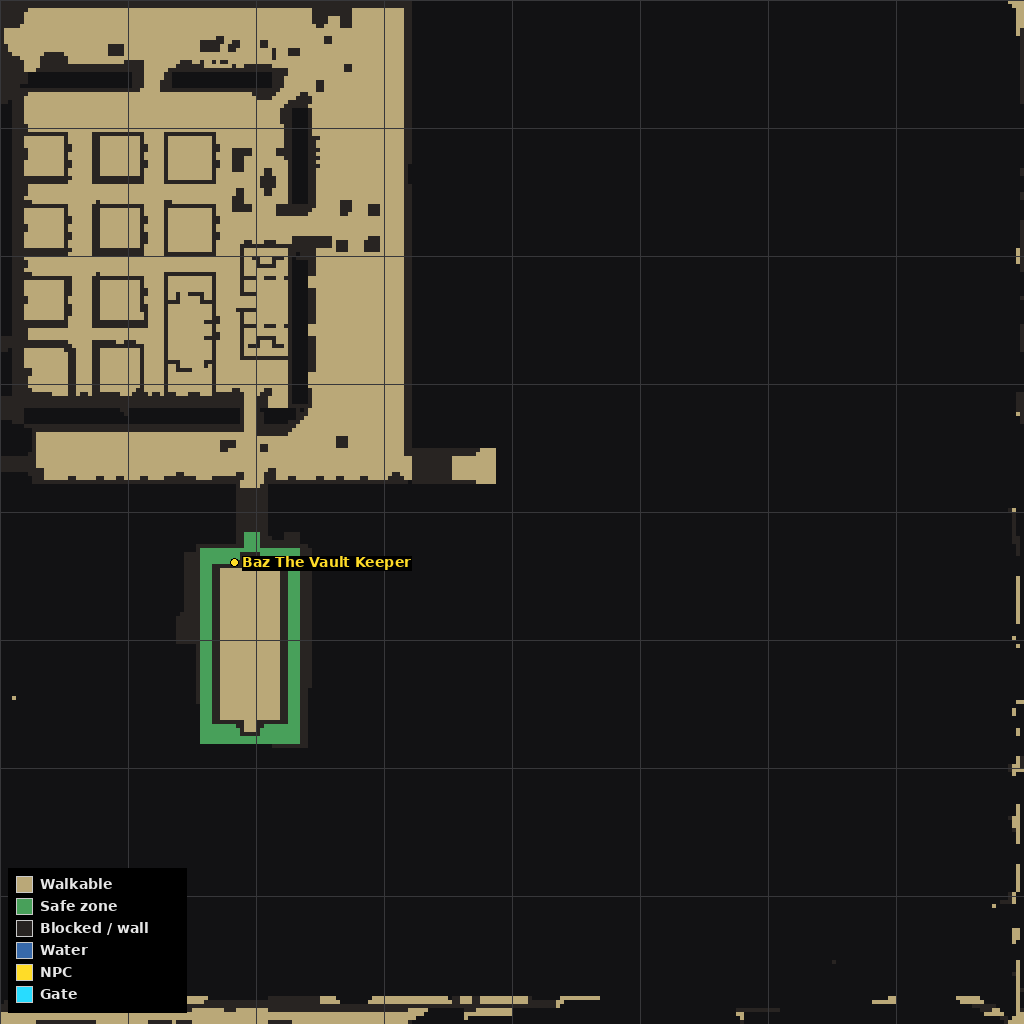
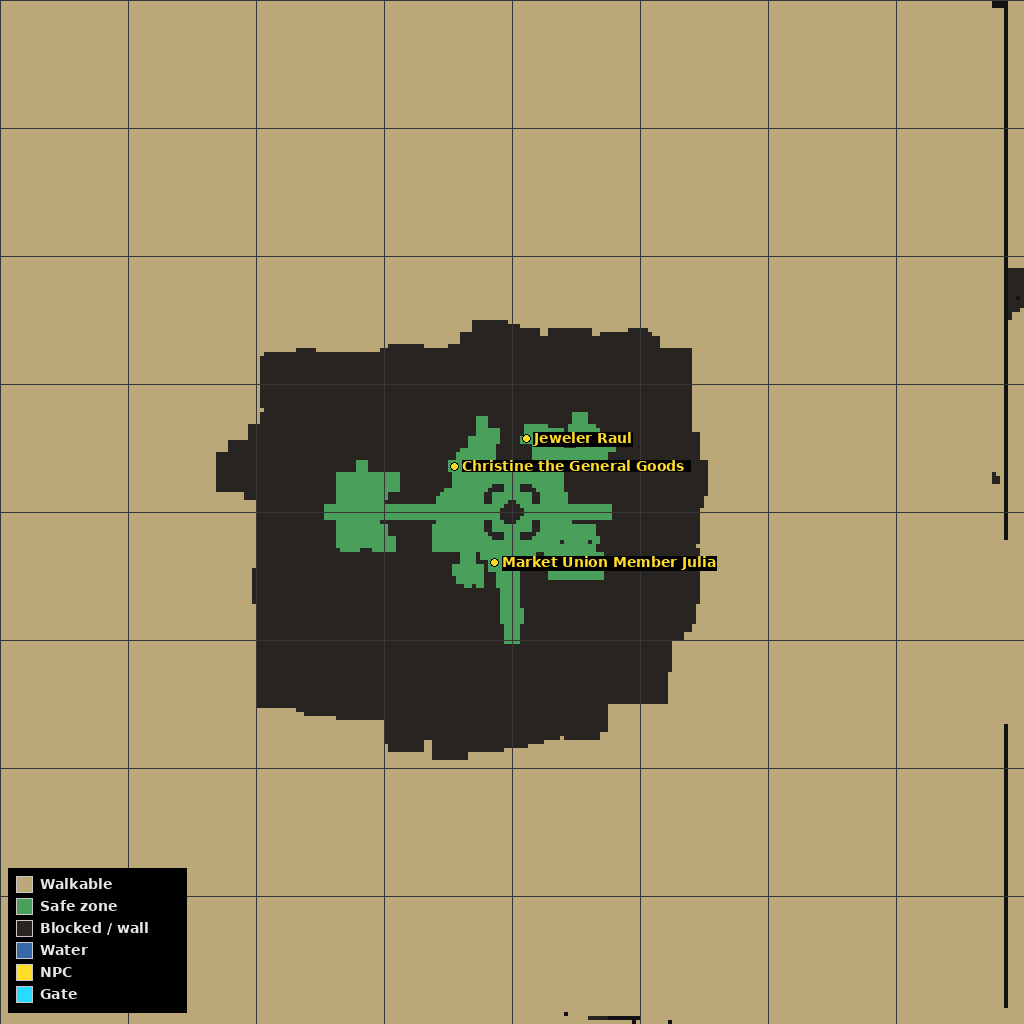
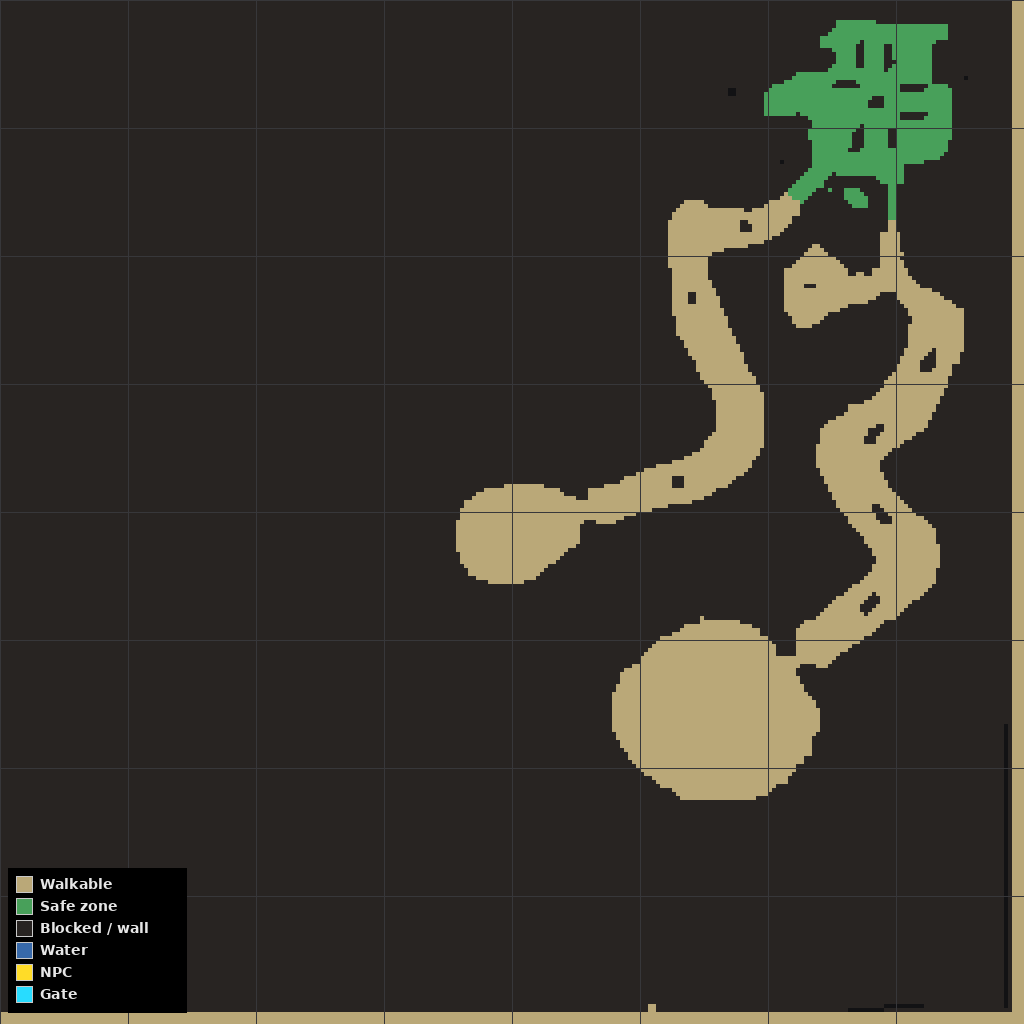
Map silhouettes (HL2GO)
Clear outlines from our client map data — orientation aid, not a live Tab screenshot.
Event maps (Blood Castle, Devil Square, Chaos Castle): Events guide.